Time Blocking Planner
List what the day is for, give each block a length, and the planner lays them end to end with start and finish times. Copy the result into your calendar or notes.

How to use the time blocking planner
- Set the time your day starts.
- Edit the example blocks: rename them, change the minutes and choose the kind of work. Add or remove blocks as you need.
- Use the arrows to reorder. The start times update as you go.
- Copy the plan as text and paste it into your calendar, notes or a message to yourself.
The planner remembers your day in this browser, so tomorrow you can adjust it instead of starting over.
What time blocking is
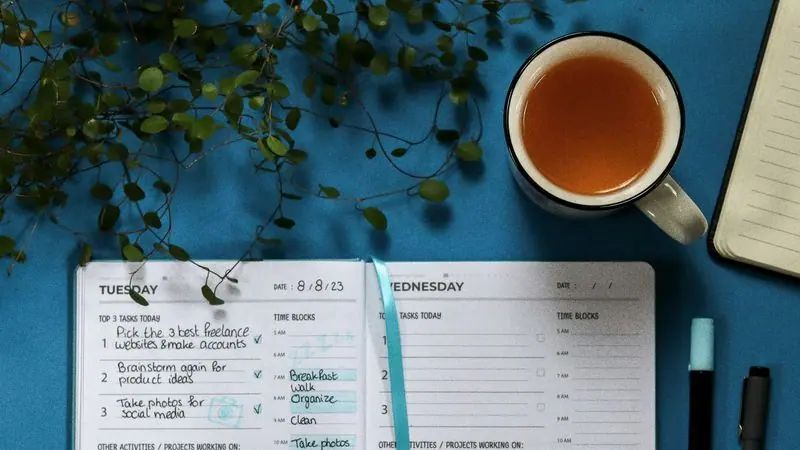
Time blocking means deciding in advance what each part of the day is for, and giving every task a place on the clock instead of a line on a list. A to-do list tells you what; a blocked day tells you what, when and for how long. The method, where it comes from and how it differs from timeboxing are covered in our guide to time blocking.
Rules that make a blocked day work
- Put the hardest block where your energy is. For most people that is the morning, but not for everyone; the best time to study explains how to find yours.
- Batch the small stuff. One or two admin blocks hold the email and messages that would otherwise leak into everything.
- Schedule the breaks. A break that is on the plan gets taken.
- Cap deep work. The planner warns you past five hours. Few people sustain more, and a plan that assumes it fails by mid-afternoon.
- Leave slack. Blocks overrun. An unfilled half hour is what keeps one late task from wrecking the rest.
- Re-plan, do not abandon. When the day goes off the rails, move the remaining blocks and carry on.
Inside a block
A block says when; you still need a way to work during it. Run a deep work block as two or three rounds with the Pomodoro timer, or let it run with the Flowtime timer. To decide what deserves a block in the first place, sort the list with the Eisenhower matrix. Our guide to deep work sessions covers how to protect the long blocks.
Common questions
What is time blocking?
Time blocking is a planning method in which you divide the day into blocks and assign each one a task or a kind of work in advance. Instead of working from a to-do list, you follow a schedule that says what you do and when.
How long should a time block be?
Long enough to make real progress and short enough to hold your attention. Sixty to ninety minutes suits demanding work, 30 minutes suits admin, and breaks of 10 to 20 minutes between long blocks keep the later ones useful.
What is the difference between time blocking and timeboxing?
Time blocking reserves a part of the day for a task. Timeboxing sets a fixed maximum for a task and stops when the time is up, finished or not. In practice people combine them: a block on the calendar with a hard stop.
What do I do when a block runs over?
Decide on the spot: stop and move the rest of the task to a later block, or let it run and shorten or drop something else. Then adjust the remaining blocks. Leaving some unplanned time in the day makes this much easier.