Best Virtual Coworking Apps: The 3 Kinds and How to Choose
Short answer
Virtual coworking means working on your own tasks at the same time as other people online, usually with a timer and a short check-in. There are three kinds: matched one-to-one video sessions (Focusmate), hosted group sessions (Flow Club, Caveday, FLOWN, Deepwrk) and private rooms for people you already know (Work Club, or a plain video call). As of November 2026 prices run from free to about 40 US dollars a month.
Key takeaways
- Virtual coworking is parallel work, not collaboration: everyone does their own task during the same timed block.
- Matched 1:1 video gives the strongest accountability; Focusmate is free for 3 sessions a week as of November 2026.
- Hosted group sessions cost about 12 to 40 US dollars a month as of November 2026 and all the ones listed here let you turn the camera off.
- Private rooms suit friends and teams who want to work together without booking or strangers; Work Club is free, with cameras and voice both optional.
- The first formal study of body doubling was a 220-person survey published in 2024, so treat productivity claims on product sites with caution.
- Choose by three questions: do you need a stranger, do you need a camera, and can you commit to a booked time?
Virtual coworking is working on your own tasks at the same time as other people online, usually with a timer and a quick check-in. There are three kinds of app: matched one-to-one video sessions, hosted group sessions, and private rooms for your own friends or team. The best one for you depends on whether you need a stranger for accountability, whether you are happy on camera, and whether you can commit to a booked time.
Every price and feature below comes from each product's own website, checked on 12 November 2026 and again on 13 November.
sessions a week on Focusmate's free plan, the best-known free tier in matched coworking.
Focusmate, November 2026people at most in a Flow Club group, which is led by a host. Hosted groups stay small on purpose.
Flow Club, November 2026people surveyed in the first formal study of body doubling. That is the whole evidence base so far.
ACM TACCESS, 2024In a hurry? Filter the apps by kind or answer three questions to get a starting point.
What is virtual coworking?
It is the online version of taking your laptop to a library. You are not collaborating. Everyone does their own work in the same block of time, and the fact that other people are there, and expecting you, makes it easier to start and harder to drift.
A typical session has three parts:
- Check in. Say or type what you will work on.
- Work quietly. Usually 25 to 60 minutes, microphones off.
- Check out. Say how it went.
Drawn out, the two commonest shapes look like this. The second is a run of Pomodoro rounds with a check-in at each end.
Show the numbers
| Schedule in minutes | |
|---|---|
| One hour, one block | 5 other, 50 focus, 5 other |
| Two hours, four rounds | 5 other, 25 focus, 5 short break, 25 focus, 5 short break, 25 focus, 5 short break, 25 focus, 5 other |
Source: Example schedule
The check-in feels awkward the first time, so here are words you can borrow.
Start: "Hi, I'm [name]. This session I'm going to finish [one specific thing]."
If you have two things: "First [A]. If there's time, [B]."
End: "I got [what you did] done. Next I need to [next step]."
If it went badly: "I got stuck on [X]. Next session I'll start with [smaller step]."
People also call this body doubling, a term that grew out of ADHD communities, and the online version is covered in virtual body doubling. A virtual coworking space is not the same thing as a virtual office such as a 2D map where a team's avatars sit all day. Those are built for talking to colleagues. Coworking apps are built for not talking.
Does virtual coworking work?
Plenty of people say it does, but be careful with the numbers on product websites. The first formal study of body doubling, a 2024 paper in ACM Transactions on Accessible Computing, surveyed 220 people, most of them neurodivergent. Respondents described using the presence of others to start, stay focused on, or finish a task. The authors say plainly that the sample is small, mostly from the US and EU, mostly female and heavily weighted towards people with ADHD, so the findings do not generalise far. It is a self-report survey, not a controlled trial.
So treat this as a low-cost experiment. Try a week of sessions and compare what you finish against a normal week. What coworking most plausibly helps with is the start, which is why it pairs well with the other fixes in how to stop procrastinating.
 Body doubling: what it is and whether it works
The three kinds of virtual coworking app
1. Matched one-to-one video sessions
You book a slot and the service pairs you with one other person on a video call. Accountability is strongest here because exactly one person is waiting for you, and they will notice if you do not turn up or wander off.
The cost is social effort. You are on camera with a stranger and you have to speak, briefly, at the start and end. It is the app version of having an accountability partner, with a different partner each time.
2. Hosted group sessions
You book a session and join a group, usually on video, led by a host or facilitator who runs the timer and the check-ins. There is less pressure on any one person, sessions tend to be longer, and a good host sets the tone. These services cost more because someone is running the room.
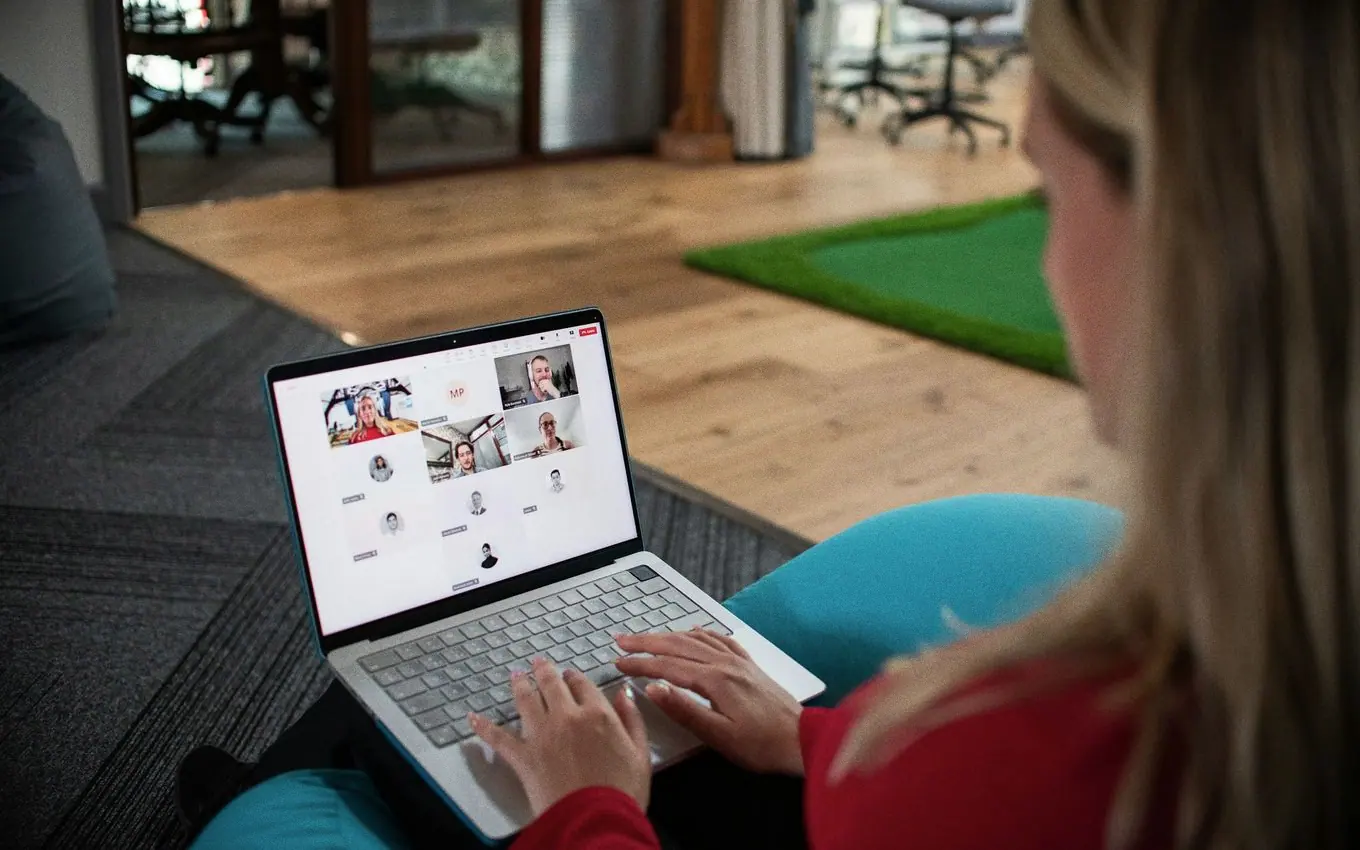
3. Private rooms for your own friends or team
You create a room and invite people you already know. There is no matching, usually no booking, and the accountability comes from your existing relationships. This is the kind to pick if the question in your head is "how do I cowork online with friends?" or "how do we protect focus time as a team?" Students use the same format for studying with friends online.
The weakness is obvious: you need people. If nobody you know is free, the room is empty.
Virtual coworking apps compared
Prices are in US dollars, as listed on each official site in November 2026.
| Name | Kind | How it works | Video? | Strangers or friends | Price (as of November 2026) |
|---|---|---|---|---|---|
| Focusmate | Matched 1:1 | Booked sessions of 25, 50 or 75 minutes with one partner | Yes, camera on | Matched strangers, or favourited friends | Free for 3 sessions a week; Plus $8/month yearly or $12 monthly |
| Flow Club | Hosted group | Up to 9 people with a volunteer host, 30 to 180 minutes | Yes, camera encouraged, can be off | Strangers | $40/month or $400/year; 7-day free trial |
| Caveday | Hosted group | Guided sessions on Zoom, 30 minutes, 1 hour or 3 hours | Yes, camera encouraged, everyone muted | Strangers; friend invites included | $35/month billed quarterly; 14-day free trial |
| FLOWN | Hosted group | Facilitated 1 and 2 hour sessions, 24/7 drop-in room, member-hosted sessions | Yes, camera encouraged, optional in most sessions | Strangers, or host your own | $25/month or $19/month yearly; 30-day trial; limited free plan |
| Deepwrk | Hosted group | Hosted sessions for adults with ADHD, plus a 24/7 focus space | Yes, camera optional | Strangers | $19/month or $12/month yearly; 7-day free trial |
| Work Club | Private room | One shared Pomodoro timer; chat locked during focus, open on breaks | Optional cameras and voice | Friends, classmates, teams; optional public rooms | Free, no account |
| Any video call | Private room | Start a call, agree a timer, mute | Yes, if you choose | Friends or team | Usually free |
The same seven options as cards. Filter by kind, or by what you need from it.
Virtual coworking options by kind
Tags restate the table above, as listed on each official site in November 2026. Use the button if you just want one to try.
Booked one-to-one sessions of 25, 50 or 75 minutes. Free for 3 sessions a week, then $8 to $12 a month. Camera on.
Up to nine people with a community host, 30 to 180 minutes. $40 a month, 7-day trial.
Guided sprints on Zoom, from 30 minutes to 3 hours. $35 a month billed quarterly, 14-day trial.
Facilitated Power Hours and Deep Dives plus a drop-in room. $25 a month, 30-day trial, limited free plan.
Hosted sessions aimed at adults with ADHD and a silent focus space. $19 a month, 7-day trial.
One shared Pomodoro timer for people you invite. Chat opens on breaks. No matching, no scheduling.
Start a call, share goals for a minute each, mute, set a timer. Someone has to run the clock.
Nothing matches all of those. Remove a filter.
Price is where the paid services spread out most. This is the lowest monthly rate each one lists, which usually means paying for a year up front.
Show the numbers
| Service | US dollars a month |
|---|---|
| Focusmate Plus | 8 USD |
| Deepwrk | 12 USD |
| FLOWN | 19 USD |
| Flow Club | 33.33 USD |
| Caveday | 35 USD |
Source: Pricing pages of Focusmate, Deepwrk, FLOWN, Flow Club and Caveday, checked 13 November 2026
Session length is the other big difference, and it matters more than price if your work needs long stretches.
Show the numbers
| Service | Shortest | Longest |
|---|---|---|
| Focusmate | 25 min | 75 min |
| Flow Club | 30 min | 180 min |
| Caveday | 30 min | 180 min |
| FLOWN | 60 min | 180 min |
Source: Focusmate, Flow Club, Caveday and FLOWN websites, November 2026
Best matched one-to-one option: Focusmate
Focusmate is the best-known service of this kind. Its site describes the routine: book a session, join the video call, tell your partner your goal, work, then check in at the end. Sessions last 25, 50 or 75 minutes and run in the browser on desktop or mobile. You can favourite people you liked working with, or a friend, and book with them again. It asks you to stay on camera so your partner can see you.
As of November 2026, Focusmate's pricing page lists a free plan with 3 sessions a week and no credit card, and Plus with unlimited sessions at $8 a month billed yearly or $12 billed monthly.
Pick it if: you want the strongest accountability for the lowest price and do not mind a camera. If it is not quite right, see our list of Focusmate alternatives.
 Focusmate Alternatives: 7 Apps Compared, Free and Paid
Best hosted group options
Flow Club
Flow Club puts you in a group of up to nine with a community host who works alongside you. Sessions run 30, 60, 90, 120 or 180 minutes, with optional music during the muted work segment. Its home page asks members to try to keep video on but says turning the camera off is fine if you need to. As of November 2026 its plans page lists $40 a month or $400 a year, a 7-day free trial with no card, and 50% off for full-time students and non-profit staff.
Pick it if: you want lots of session times and lengths, hosted by peers.
Caveday
Caveday's sessions are called Caves. Its joining page describes a guide who welcomes the group, reminds you to put your phone away, and leads alternating work sprints and breaks. Sessions are 30 minutes, 1 hour or 3 hours on Zoom, cameras are encouraged and everyone is muted. As of November 2026 membership is shown at $35 a month, billed quarterly at $105, with a 14-day free trial that renews automatically. It includes a 24/7 Focus Lounge and 20 friend invites a month.
Pick it if: you want a guided three-hour block for deep work.
FLOWN
FLOWN offers a 1 hour Power Hour (goal in the chat, 55 minutes of quiet, no microphone), a 2 hour Deep Dive (two 50 minute stints with a 5 minute break), a drop-in room open around the clock, and community sessions hosted by members. It encourages cameras but says off is fine in most sessions. As of November 2026 its pricing page lists $25 a month, $19 a month billed annually or $900 for lifetime access, with a 30-day free trial, no card required, and a free plan of 4 community sessions a month plus any session on Fridays.
Pick it if: you want trained facilitators, or the longest free trial of the group services.
Deepwrk
Deepwrk is aimed at adults with ADHD, though it says no diagnosis is needed. Its typical hosted session is about an hour with 50 minutes of work, cameras are optional, and members get a 24/7 silent focus space. As of November 2026 it lists $19 a month or $12 a month paid annually, after a 7-day free trial with no card.
Pick it if: you want a hosted ADHD-focused community at a lower price. It is not a treatment; speak to a clinician about symptoms that are affecting your life. For timer habits you can use in any of these services, see the Pomodoro Technique with ADHD.
Trial length decides how fairly you can test each one:
Show the numbers
| Service | Days |
|---|---|
| Flow Club | 7 days |
| Deepwrk | 7 days |
| Caveday | 14 days |
| FLOWN | 30 days |
Source: Flow Club, Deepwrk, Caveday and FLOWN websites, checked 13 November 2026
Best private room options for friends or a team
Work Club
Work Club is a free shared Pomodoro room. Type a name, get a link and a 6-character code, and send it round. Everyone in the room sees the same timer: 25 minutes of focus, a 5 minute break, and a 15 minute long break after every fourth round, all adjustable. The chat is locked for everyone during focus and opens on breaks, with polls, trivia and a shared music queue for the break itself. Each person can show what they are working on. There is more on the format in a Pomodoro timer with friends.
Its limits matter here. Work Club has no screen sharing, no partner matching and no scheduling. Cameras are optional, and up to 8 can be on in one room at a time. Voice is optional too and separate from the camera: you click Join voice, only the people who joined hear each other, and microphones are muted automatically when a focus round starts. An account is optional: signing up keeps your streak, profile and photos on any device you sign in on and adds a friends list. You agree a time with your people yourselves. If you need a booked session, or need a stranger to show up for you, use one of the services above.
Pick it if: you want to cowork online with friends or run quiet team focus blocks with cameras optional and no sign-up needed. Our guide to remote team focus time has a sample schedule.
A plain video call
Any video call works as a private coworking room. Agree a start time, share goals for one minute each, mute, and set a timer. It costs nothing extra and you get faces. The downside is that nothing stops the chat during work time, so one person needs to run the clock. Agree the plan in writing before you start, and decide what the breaks are for; there are break ideas that fit five minutes if you need them.
Build the plan for your call
Set a start time, a length and an interval, then copy the timed plan into your group chat.
A study group can use the same plan; our guide to group study covers how to keep one on track.
Hosting inside a paid service
If you already pay for a group service, check its hosting features. FLOWN's site says members can host their own sessions, Caveday includes friend invites, and Focusmate lets you book with favourited friends.
How do you choose a virtual coworking app?
Answer three questions. The quiz applies them for you; the reasoning is written out underneath.
Which kind of virtual coworking fits you?
Three questions. A rule of thumb for where to start, not a diagnosis.
Your result
Start with matched one-to-one: Focusmate
One person is waiting for you, which is the strongest pull to show up. The free plan covers three sessions a week. If the format grates, compare the Focusmate alternatives.
Your result
Start with a hosted group: Flow Club, Caveday, FLOWN or Deepwrk
A host runs the clock and the group takes the pressure off any one person. All four have free trials, so try a session with each before paying. For long blocks, read deep work sessions first.
Your result
Start with a private room: Work Club or a video call
Invite people you already know and agree the time yourselves. Work Club adds a shared timer and a chat that only opens on breaks; a plain call gives you faces. Teams can borrow the schedule in remote team focus time.
- Do you need a stranger? If your friends are rarely free when you are, or you perform better for someone you do not know, choose matched or hosted. If you have a study group or team, choose a private room.
- Do you need a camera? If being seen is what keeps you at your desk, choose Focusmate or a hosted group, or turn cameras on with friends in Work Club. If the camera is the reason you avoid these tools, choose Work Club or a hosted service where it is optional, and leave yours off.
- Can you commit to a time? Booking is a feature if you procrastinate on starting. If your day is unpredictable, look for drop-in rooms.
Then match your situation:
- Tight budget, need accountability: Focusmate free plan.
- Freelancer who misses an office: Flow Club or FLOWN.
- Long writing or coding blocks: Caveday's 3 hour sessions or FLOWN's Deep Dive.
- ADHD and want people who understand: Deepwrk or FLOWN.
- Study group or friends in different places: Work Club, or a video call. Students who want strangers instead can use an open virtual study room.
- Remote team protecting focus time: Work Club for a shared timer, or a standing muted call.
Whichever you pick, coworking only fixes the starting problem. For the rest of the day, see how to stay focused working from home.
Common questions
What is virtual coworking?
Virtual coworking is working on your own tasks alongside other people online, at the same time, usually with a shared timer and a brief check-in at the start and end. Nobody helps with your work. The presence of others and the commitment to a time slot are what keep you going.
Is there a free virtual coworking app?
Yes. As of November 2026 Focusmate is free for three sessions a week, FLOWN has a free plan with four community sessions a month plus any session on Fridays, and Work Club is free with no account for private rooms. Flow Club, Caveday and Deepwrk offer free trials of 7, 14 and 7 days.
How can I cowork online with friends?
Use a private room, not a matching service. The simplest version is a video call with a timer. Work Club gives you a shared Pomodoro timer and a chat that only opens on breaks, with optional cameras and no sign-up needed. Focusmate also lets you favourite a friend and book one-to-one sessions together.
Do I have to keep my camera on for virtual coworking?
It depends on the service. Focusmate asks you to stay on camera. Flow Club, Caveday, FLOWN and Deepwrk encourage cameras but say you can switch yours off. In Work Club the camera is optional.
Does virtual coworking actually work?
Many people report that it helps them start and stay on task, but formal evidence is limited. The first peer-reviewed study of body doubling, published in 2024, was a self-report survey of 220 mostly neurodivergent people, not a controlled trial. The honest approach is to try a few sessions and judge by your own output.
Sources
- Focusmate: Virtual body doubling for getting anything done, Focusmate (2026)
- Pricing | Focusmate, Focusmate (2026)
- Flow Club vs. Focusmate, Flow Club (2026)
- Flow Club: Work solo, not alone, Flow Club (2026)
- Flow Club plans and pricing, Flow Club (2026)
- Joining Caveday, Caveday (2026)
- FLOWN: How focus sessions work, FLOWN (2026)
- FLOWN Pricing: Plans for Focus and Body Doubling, FLOWN (2026)
- Deepwrk: Body Doubling Website, Deepwrk (Eudaimonia Labs Ltd) (2026)
- It Was Something I Naturally Found Worked and Heard About Later: An Investigation of Body Doubling with Neurodivergent Participants, ACM Transactions on Accessible Computing (2024)
Published 12 November 2026. Last checked and updated 13 November 2026. See how these guides are written.