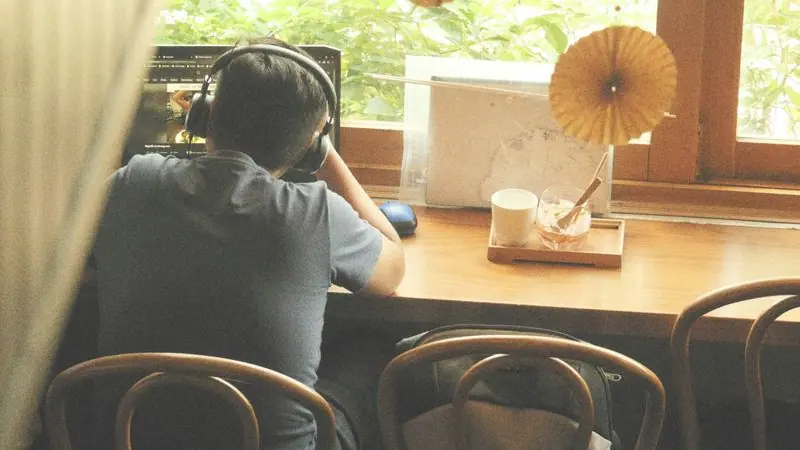
Best Online Study Rooms: Free Places to Study With Others

Short answer
The best free online study rooms for studying with strangers are StudyStream and Study Together, which both run open rooms 24 hours a day with the camera optional. YouTube study with me streams and Discord study servers are free alternatives with less structure. For a private room with friends, a shared timer tool such as Work Club or a simple video call works better than a public room.
Key takeaways
- StudyStream and Study Together both run study rooms around the clock and say the camera is optional, as of November 2026.
- Study Together describes itself as free, with 50 minute sessions and 10 minute breaks, and requires users to be 13 or older.
- StudyStream says you can use its Focus Rooms without an account and must be at least 16.
- A 2021 study of study with me videos found viewers used them for ambience, controllable peer pressure and emotional support, based on 30 videos and 12 interviews.
- Public rooms give you company but weak accountability, because nobody notices when you leave.
- For studying with friends, a private room with one shared timer keeps the group in step; Work Club does this free, with no account needed and cameras optional.
The best free online study rooms for studying with strangers are StudyStream and Study Together. Both run open rooms 24 hours a day, both let you keep your camera off, and neither needs a booking. If you would rather not join a platform, YouTube study with me streams and Discord study servers do a similar job, and for studying with friends a private room such as Work Club fits better than a public one.
Product details below come from each service's own website, checked on 12 November 2026 and again on 13 November.
opening hours of the rooms on both StudyStream and Study Together, by their own description.
StudyStream, 2026members, according to Study Together. That is the company's own figure.
Study Together, 2026viewers interviewed in the one study of study with me videos, alongside 30 videos analysed.
Lee et al., CHI 2021In a hurry? Filter the options by who you want to study with, or take the short quiz in the same section.
What is an online study room?
An online study room is a shared space where people study at the same time, each on their own work. Some are video rooms full of strangers at their desks. Some are livestreams you watch. Some are private rooms you set up for your own group.
They all rely on the same idea: it is easier to keep going when you can see, or at least sense, other people working. That is a form of body doubling. It is not group revision. Nobody explains anything to anyone. If you want to quiz each other, you want a study group instead.
The idea underneath all of these rooms has a guide of its own.
 Body doubling: what it is and whether it works
Online study rooms compared
| Name | How it works | Video? | Strangers or friends | Price (as of November 2026) |
|---|---|---|---|---|
| StudyStream | Open focus rooms, 24/7, in a web app, mobile app and Discord | Optional camera or screen share | Strangers | Web app described as free; Premium tier exists, price not stated on the pages checked |
| Study Together | Open rooms on Zoom via the website, plus a Discord server; 50 minute sessions with 10 minute breaks | Optional | Strangers | Free |
| YouTube study with me streams | Watch a live or recorded video of someone studying | You watch; nobody sees you | A stranger on screen | Free |
| Discord study servers | Join a server and sit in a voice or video channel | Varies by server | Strangers, or your own private server | Free to join |
| University-run rooms | Run by a library or student service, often on Discord or a video call | Varies | Classmates | Free to students where offered |
| Work Club | Private room with one shared Pomodoro timer; chat opens on breaks | Optional cameras and voice | Friends and classmates; optional public rooms | Free, no account |
The services that run a timer do not run the same one. Here is what two hours looks like on each published schedule; Focusmate, a one-to-one service covered at the end of this guide, is included because its sessions come in fixed lengths.
Show the numbers
| Schedule in minutes | |
|---|---|
| Study Together | 50 focus, 10 short break, 50 focus, 10 short break |
| Work Club default | 25 focus, 5 short break, 25 focus, 5 short break, 25 focus, 5 short break, 25 focus, 15 long break |
| Focusmate, 25 minutes | 25 focus |
| Focusmate, 50 minutes | 50 focus |
| Focusmate, 75 minutes | 75 focus |
Source: Study Together FAQ and Focusmate, November 2026; Work Club defaults
If you are unsure which length suits you, our comparison of Pomodoro intervals sets out where 25/5 and 50/10 come from and how to test them.
StudyStream
StudyStream is one of the largest places to study with strangers online. Its focus room page lists several rooms and says all of them are open 24/7, so there is somewhere to sit whatever your time zone. When checked on 12 November 2026, one room showed more than 900 people online; the next day the busiest room showed about 700. Beyond the rooms, its site advertises task tracking, study music, leaderboards, a mobile app and a Discord server.
On cameras, StudyStream's privacy policy treats camera, microphone and screen share as things you turn on if you choose. It says live streams are not recorded or stored by StudyStream, but it also gives a frank warning: rooms are public, anyone who can see your camera could screenshot or record it, and if you do not want that you should keep the camera off. The same policy says you can use Focus Rooms without an account and that you must be at least 16.
If you do not want to be recorded, keep your camera off.
On price, StudyStream's own guide describes the web app as free to use. That post dates from 2022. The privacy policy also refers to Premium members, so a paid tier exists; its price is not stated on the pages checked.
Best for: students aged 16 and over who want a busy room at any hour and like streaks and leaderboards.
Study Together
Study Together calls itself the largest online student community and says on its home page that it has more than one million members. That is its own figure. It offers solo study rooms with timers and goals, group rooms, study statistics, a community leaderboard, community tutors and live events.
Its FAQ is clear on the practical points:
- It describes itself as "free, always available, accessible from everywhere".
- Rooms run on Zoom through the website, and there is a separate Discord server with study channels.
- The camera is "totally up to you". If it is on, you can show yourself or just your desk.
- Sound and chat are off by default to keep rooms quiet.
- Each session runs 50 minutes followed by a 10 minute break. The site also lists 25 minute group focus rooms.
- You cannot use it if you are under 13, or under the age of digital consent in your country.
Best for: school and university students who want a free, structured room with built-in breaks and the option of tutor help.
YouTube study with me livestreams
Search YouTube for "study with me" and you will find people filming themselves studying for hours, often with a Pomodoro timer on screen and rain or lo-fi audio. Some are live, some are recordings. You are not in a room with anyone, and nobody can see you. Whether background sound helps is a separate question, covered in music for studying.
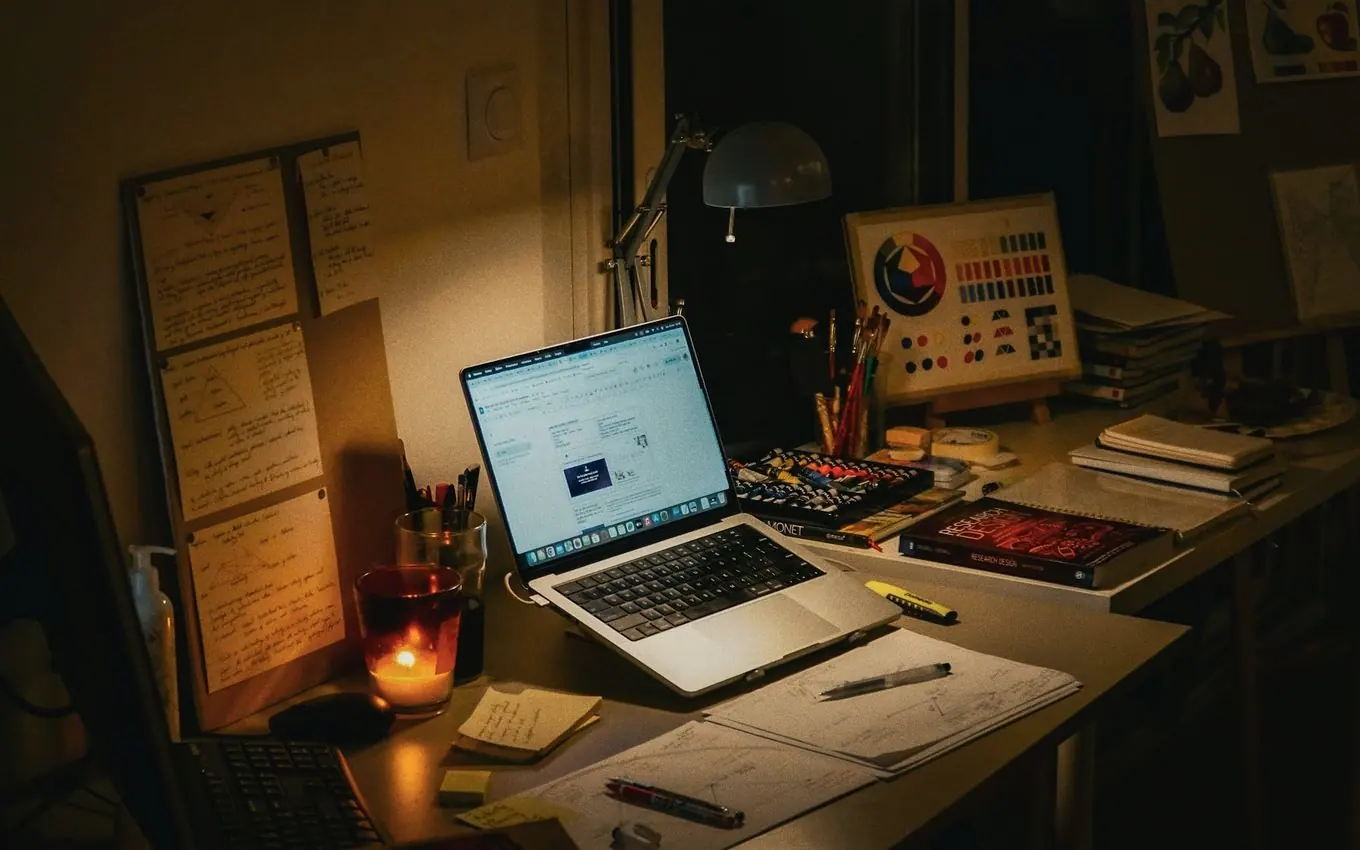
There is a little research on why this helps. A 2021 paper from the CHI conference analysed 30 study with me videos and interviewed 12 viewers. It found viewers used the videos to create a study atmosphere cheaply, to feel "controllable peer pressure", and for emotional support. That is a small qualitative study, so it tells you why people watch, not how much it improves grades.
The researchers' own conference presentation of that study is online.

Best for: people who want company with zero social effort, and anyone not ready to appear in a room. Pick a stream whose timer matches how you work; our guide to Pomodoro for studying covers which lengths suit which tasks.
Discord study servers
Many study communities live on Discord, including the Study Together and StudyStream servers above. You join a server, enter a voice channel (often with camera or screen share rules in the channel name), and study while a bot runs the timer.
Quality varies by server, so read the rules before you join and leave any server that feels off. Discord's terms of service set its own minimum age at 13, or higher where local law requires it.
Discord also has Student Hubs, which collect student-run servers for one school and are only open to people with that school's email address. Discord states that hubs are not officially affiliated with or managed by schools.
Best for: people already on Discord, and classmates who want a study server of their own.
University-run study rooms
Some universities run their own. One verifiable example: the University of Maryland, Baltimore County's library announced a Virtual Study Room in 2022, a Discord server open 24/7 where library staff greeted students during set evening hours. That post is several years old, so it shows the kind of thing that exists, not a current timetable.
These come and go with funding and term dates. Search your own university's library or student support pages for "virtual study room" or "study hall", or ask a librarian.
Best for: studying alongside people on your own course, with staff nearby.
Is it safe to study with strangers online?
Mostly, with sensible habits. A public room is a public place.
- Keep the camera off unless you want it on. Both big platforms allow this.
- Check what is in frame. Names on paperwork, your address on a parcel, your window view.
- Use a display name, not your full name.
- Respect the age rules. StudyStream says 16 and over; Study Together says 13 and over.
- Do not move to private chats with people you met in a room unless you are comfortable, and report anyone who breaks the rules.
The age rules differ more than people expect, so check before you sign up or recommend a room to a younger sibling.
Show the numbers
| Service | Minimum age |
|---|---|
| StudyStream | 16 years |
| Study Together | 13 years |
| Discord | 13 years |
Source: StudyStream privacy policy, Study Together FAQ and Discord terms of service, November 2026
Run through this list the first time you join any public room.
Before you join a public room
It restates the habits above. Ticks are saved in this browser.
What if you want to study with friends, not strangers?
Public rooms are good for company and poor for accountability. Nobody knows your name, so nobody notices when you slip away. Studying with people you know fixes that.
Work Club is built for this case. One person types a name and gets a link and a 6-character code to share. Everyone in the room follows one Pomodoro timer, 25 minutes of focus and a 5 minute break by default. The chat is locked for everyone during focus and opens on breaks, with quick games and a shared music queue. Each person can post what they are working on.
It has real limits. Work Club has no screen sharing, no partner matching and no scheduled sessions. Cameras are optional, and up to 8 can be on in one room at a time. Voice is optional too and separate from the camera: you click Join voice, only the people who joined hear each other, and microphones are muted automatically when a focus round starts. An account is optional: signing up keeps your streak, profile and photos on any device you sign in on and adds a friends list. A host can list a room publicly so strangers can join from the home page, but it will not give you a room of hundreds at 3am the way StudyStream can.
Whatever tool you use, the invitation matters more than the software. Something like this is enough:
Studying tonight, 7 to 9. I will send a room link at 6:55.
Four rounds of 25 minutes, chat on the breaks.
Camera optional. Bring one thing you want to finish.
For the full method, see how to study with friends online, our guide to setting up a virtual study room, and the options for sharing a Pomodoro timer with friends. The 25-minute rounds themselves are explained in the Pomodoro Technique.
Which online study room should you pick?
Every option in this guide is below. Filter by who you want to study with and what you need from the room, or let it pick one for you.
Online study rooms by who is in them
Tags come from each service's own description, as of November 2026.
Large open focus rooms in a web app, mobile app and Discord. For ages 16 and over.
Free open rooms on Zoom and Discord with 50 minute sessions and 10 minute breaks. For ages 13 and over.
A live or recorded video of someone studying. You watch, and nobody sees you.
A voice or video channel in a public server, or a private server you set up for your own group.
Student-run servers for one school, open only to people with that school's email address.
Run by a library or student service where one exists. Check your own university's pages.
A private room with one shared Pomodoro timer and a chat that opens on breaks. No account needed. No screen sharing or partner matching.
Any call tool you already use, plus a timer one of you keeps. The right choice if you need to share a screen.
One-to-one sessions of 25, 50 or 75 minutes with a matched partner, on camera. Free for up to 3 sessions a week.
Nothing matches all of those. Remove a filter.
If you would rather answer three questions than read tags, the quiz points to one of them.
Which kind of study room fits you?
Three questions. It applies the advice in this guide as a rule of thumb, not a diagnosis.
Your result
An open room: StudyStream or Study Together
Both run around the clock with the camera optional. Choose Study Together if you are 13 to 15 or want its 50 and 10 timer, and StudyStream if you are 16 or over and want a busy room with leaderboards.
Your result
A YouTube study with me stream
Company with nothing asked of you. Pick a stream whose timer matches how you work, and put your phone out of reach first; how to stop phone distraction covers that part.
Your result
A private room with a shared timer
Use Work Club, a private Discord server or a video call, and agree when talking is allowed. The method is in how to study with friends online.
Your result
A one-to-one session
You need someone who notices. Book a Focusmate session or fix a time with a friend. Virtual body doubling compares the options.
The same advice as a plain list:
- You want a busy room right now, for free: StudyStream or Study Together.
- You are under 16: Study Together (13 and over), a YouTube stream, or a private room with friends.
- You do not want anyone to see you: a YouTube study with me stream, or either platform or Work Club with the camera off.
- You want structure with breaks built in: Study Together's 50 and 10 rooms, or a shared Pomodoro timer.
- You want to study with your own friends: Work Club for a shared timer with optional cameras and voice, or a video call or private Discord server if your group already uses one.
- You keep leaving public rooms after ten minutes: you need stronger accountability. Book a one-to-one session on Focusmate, which is free for up to 3 sessions a week as of November 2026 and asks you to stay on camera, or arrange a fixed time with a friend.
- You want people on your own course: check your university library, or a Discord Student Hub for your school.
Try one room for a full week before judging it. The first session in any new space feels odd, and the question that matters is whether you got more done by Friday. If a room does not fix it, the problem may not be the room: how to focus on studying starts from the other end.
Working adults looking for the same thing with colleagues in mind will find more suitable options in our list of virtual coworking apps.
 Focusmate Alternatives: 7 Apps Compared, Free and Paid
Common questions
Are online study rooms free?
The main ones are. As of November 2026 Study Together describes its rooms as free and always available, and StudyStream's own guide describes its web app as free to use, though StudyStream also has a Premium tier. YouTube study streams, Discord study servers and Work Club are free as well.
Is it safe to study with strangers online?
Large platforms have rules and moderation, but a public room is still a public space. StudyStream's privacy policy warns that anyone who can see your camera could screenshot or record it, and advises keeping the camera off if you do not want that. Use a display name, keep personal details out of view, and check the age rules: 16 for StudyStream and 13 for Study Together.
Do I have to turn my camera on in an online study room?
Usually not. Study Together says it is up to you, and StudyStream treats the camera, microphone and screen share as things you choose to turn on. YouTube streams involve no camera on your side at all, and in Work Club the camera is optional.
What is a study with me video?
It is a video or livestream of someone studying quietly for a long stretch, often with a timer on screen, so you can study alongside them. There is no teaching. A 2021 study found viewers use them to set a mood, feel gentle peer pressure and feel less alone.
What is the best online study room for studying with friends?
A private room, not a public one. A video call with a timer works, and so does a Discord voice channel. Work Club gives a group one shared Pomodoro timer and a chat that only opens on breaks, with no sign-up needed. Its cameras and voice are both optional.
Sources
- Join Live Study Rooms | Boost Focus | StudyStream, StudyStream (2026)
- StudyStream Privacy Policy, StudyStream (2026)
- How to Use the StudyStream WebApp, StudyStream Blog (2022)
- 24/7 Study Room and Work Club | Study Together, Study Together (2026)
- Frequently Asked Questions | Study Together, Study Together (2026)
- Personalizing Ambience and Illusionary Presence: How People Use Study with me Videos to Create Effective Studying Environments, Proceedings of the 2021 CHI Conference on Human Factors in Computing Systems (ACM) (2021)
- Discord Student Hubs FAQ, Discord (2026)
- Terms of Service, Discord (2026)
- Visit us in the Virtual Study Room this Spring!, Albin O. Kuhn Library and Gallery, University of Maryland, Baltimore County (2022)
- Focusmate: Virtual body doubling for getting anything done, Focusmate (2026)
Published 12 November 2026. Last checked and updated 13 November 2026. See how these guides are written.